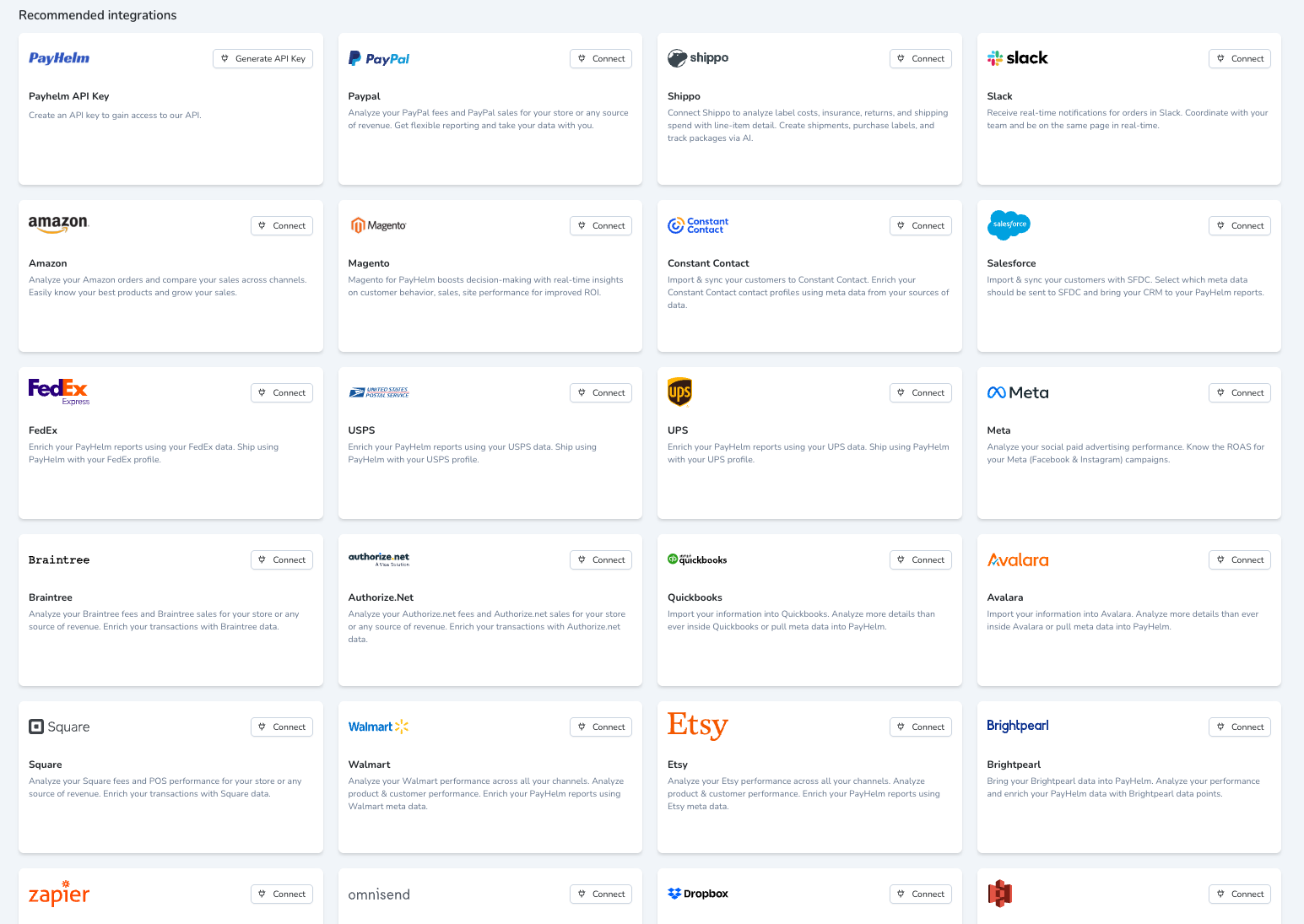
A Better Way to Connect Your Data
PayHelm data pipeline uses pre-built integrations and an automated ELT process for data connections in minutes, with no technical resources required.
Report-Ready Data, in Just a Few Clicks
Connect, transform and visualize data from across your business, in one place – without the expense or hassle of managing a data pipeline yourself.
Pre-built integrations and automated data transformation
Ongoing API maintenance for report-ready data, faster
Connect 90+ apps and platforms in minutes
Custom integrations and data table uploads available
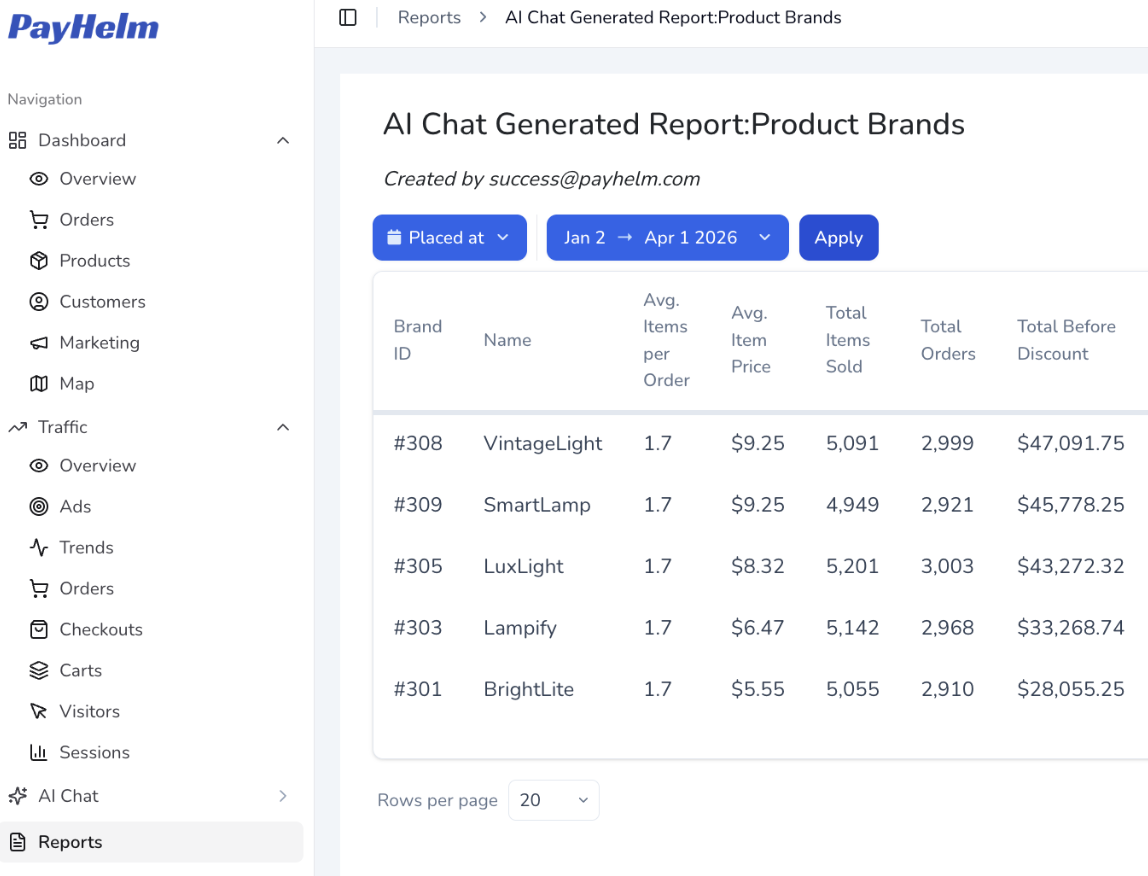
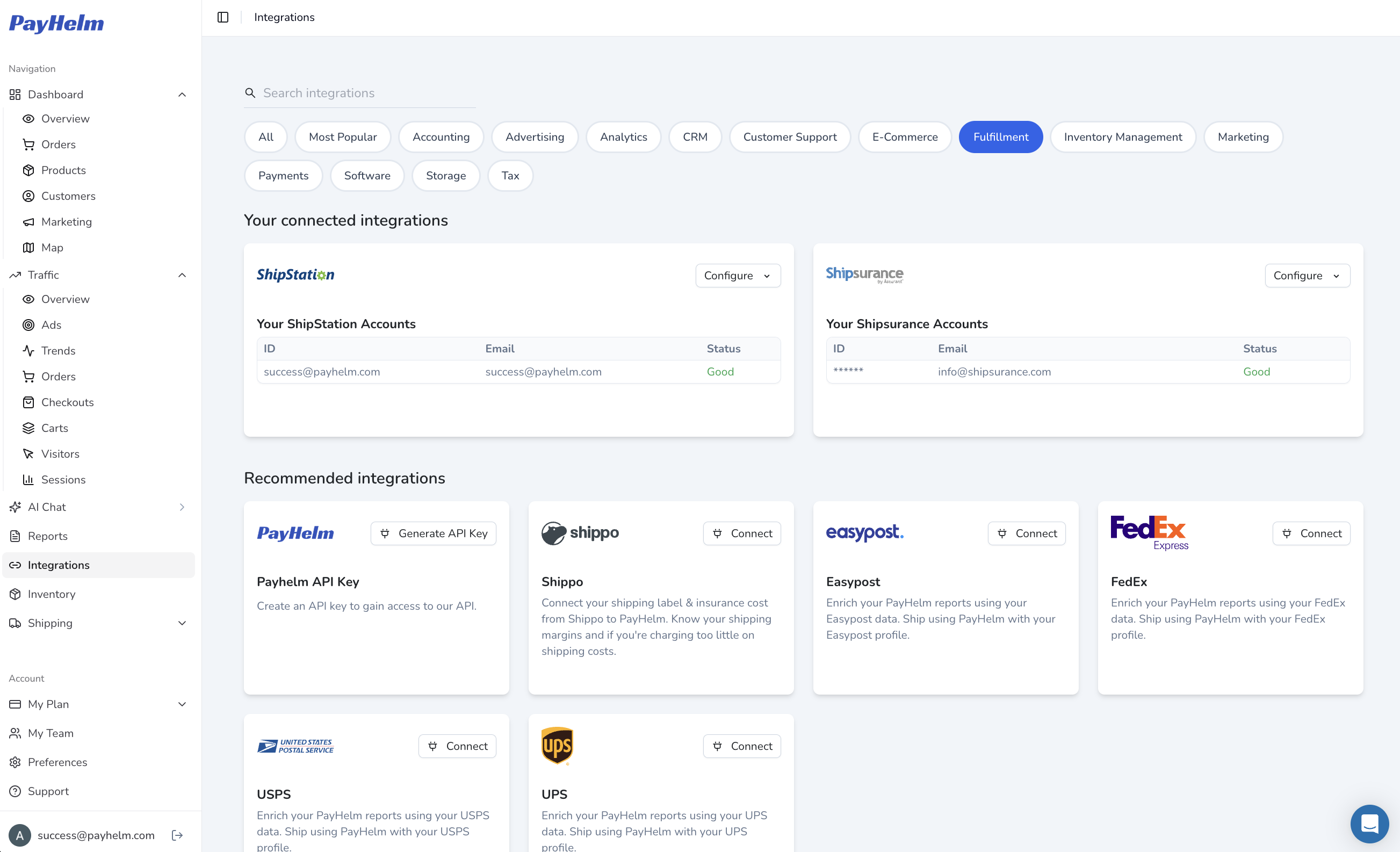
Connect Marketing, Fulfillment & More
Pre-built connectors span every part of your business — from ad platforms and storefronts to fulfillment and shipping providers.
Simple Three-Step Process
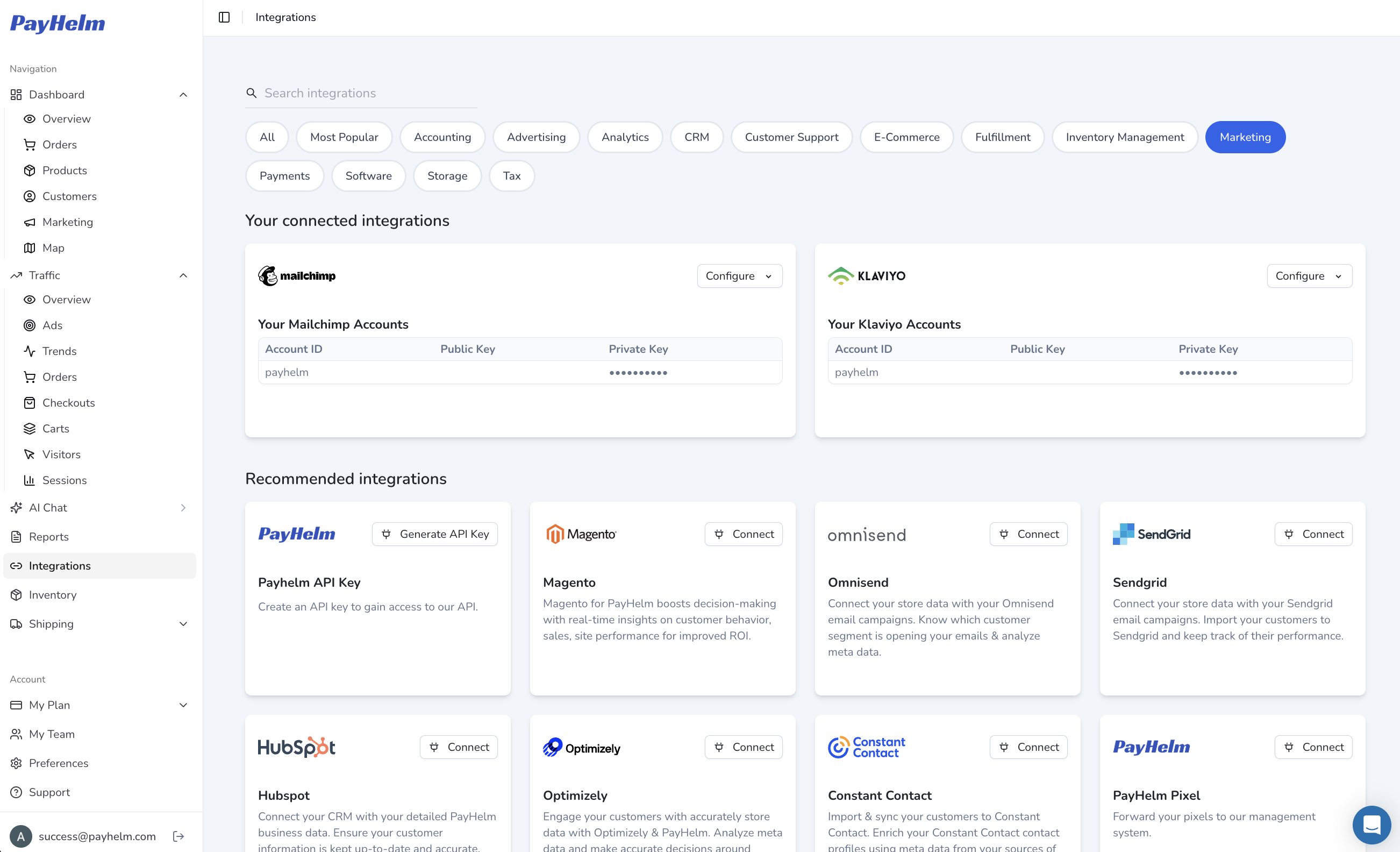
Just enter your credentials, save your connections and import your data. You'll have access to out-of-the-box KPIs and dashboards instantly.
Simply enter your credentials for the data sources you want to connect. We support 90+ pre-built integrations.
Save your connections and let our automated ELT process transform your data into report-ready format.
Import your data and instantly access pre-built KPIs, dashboards, or query data for custom reports.
Data Pipeline, Data Warehouse and Data Visualizations, All in One
PayHelm gives you a single place to connect, analyze and visualize the data you need to scale your business – without requiring technical resources or multiple subscriptions to implement and manage.
Connect and transform data from 90+ sources with automated ELT processes and ongoing API maintenance.
Secure, encrypted data storage on AWS with private network architecture for enterprise-level security.
Pre-built dashboards and custom reporting capabilities accessible to marketers, data scientists, and developers.
See It in Action
What the AI Agent Can Do
Automated tasks you can schedule or trigger on demand
- 1Alert me if any integration sync falls behind by more than 6 hours
- 2Summarize data freshness across all connected sources each morning
- 3Identify which sources have had the most data gaps in the last 30 days
- 4Notify the team if a new data connector fails during initial setup
Try Asking the AI
Sample prompts you can use right now in the chat